Introduction: A New Way to Extend AI Agents
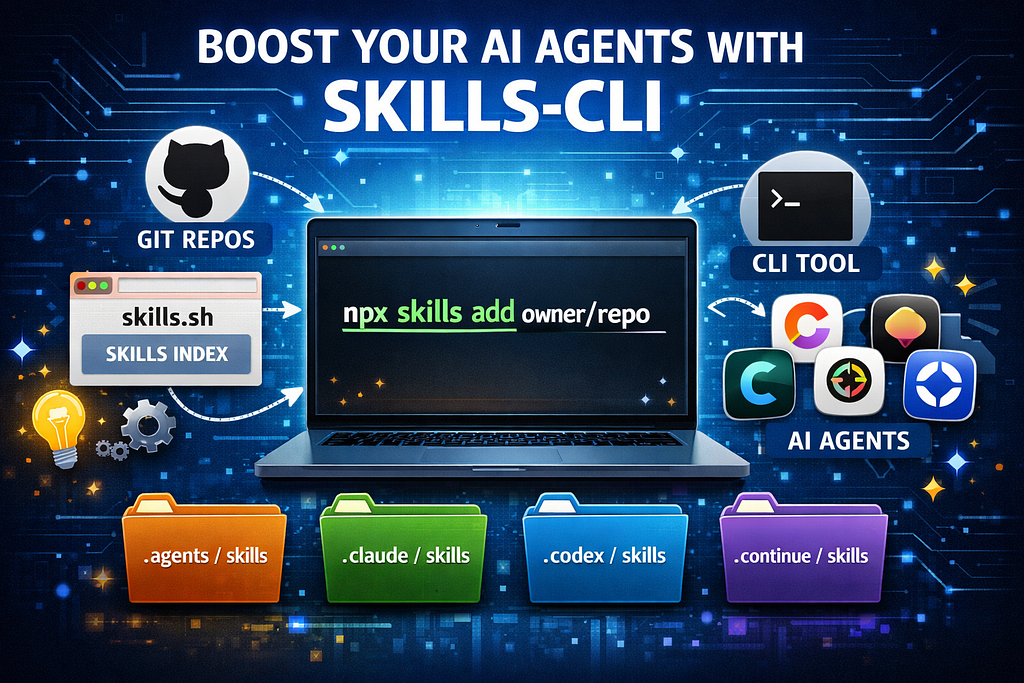
Modern AI agents like Cursor, Claude, Codex, Continue, and local agent runners are becoming modular.
Instead of writing bigger prompts, you can install skills — reusable capabilities that extend what an agent can do.
With the ecosystem built around:
- skills.sh (public index)
- vercel-labs/skills (CLI)
- local skills folders
- GitHub skill repos
you can install skills with one command:
npx skills add <owner/repo>
What Is Skills?
Skills is an open system for adding reusable capabilities to AI agents.
It has three main parts.
1. Skills Website
https://skills.sh
- Public catalog of skills
- Shows install commands
- Links to GitHub repos
- Helps discover new skills
2. Skills CLI
https://github.com/vercel-labs/skills
- Command line tool
- Finds skills
- Adds skills from repos
- Manages installed skills
3. Local skills folder
Skills are copied into agent-specific directory such as:
.agents/skills/
For the agents that cannot support agents folder, the skills can be copied in their specific folders such as Antigravity.
Installing the Skills CLI
You don’t install it globally.
Use npx:
npx skills
Why this design?
- Always uses latest version
- No global install needed
- Works per project
- Safe for teams
Finding Skills
To search the skills by keywords:
npx skills find <keywords>
What this does:
- Queries the skills index
- Shows matching skills
- Displays install instructions
This uses the same registry as skills.sh.
Installing Skills
Skills are installed from repositories, not from npm packages.
Basic command:
npx skills add <owner/repo>
Example:
npx skills add https://github.com/twostraws/swiftui-agent-skill
What happens when you run this:
- Repo is downloaded
- Skills are detected
- Files are copied locally
- Agent can use them
No manual setup needed.
Installing Only One Skill From a Repo
Some repos contain multiple skills.
Use:
npx skills add <owner/repo> --skill <skill-name>
Example:
npx skills add https://github.com/twostraws/swiftui-agent-skill --skill swiftui-pro
Useful when a repo contains many skills.
Listing Installed Skills
To see installed skills:
npx skills list
This shows:
- Installed skills
- Target agent
- Install location
Removing Skills
To remove a skill:
npx skills remove <skill-name>
This deletes the skill from the local skills folder.
Using Skills with Multiple Agents
One of the best features of Skills is that the format is shared.
Skills can work with:
- Cursor
- Claude
- Codex
- Continue
- Local agents
- Custom runners
This means:
- Install once
- Use in multiple agents
- Share in Git
- Reuse across projects
Skills become part of your workflow.
Comments